
How to Update Your Home Estimate Landing Page Preferences
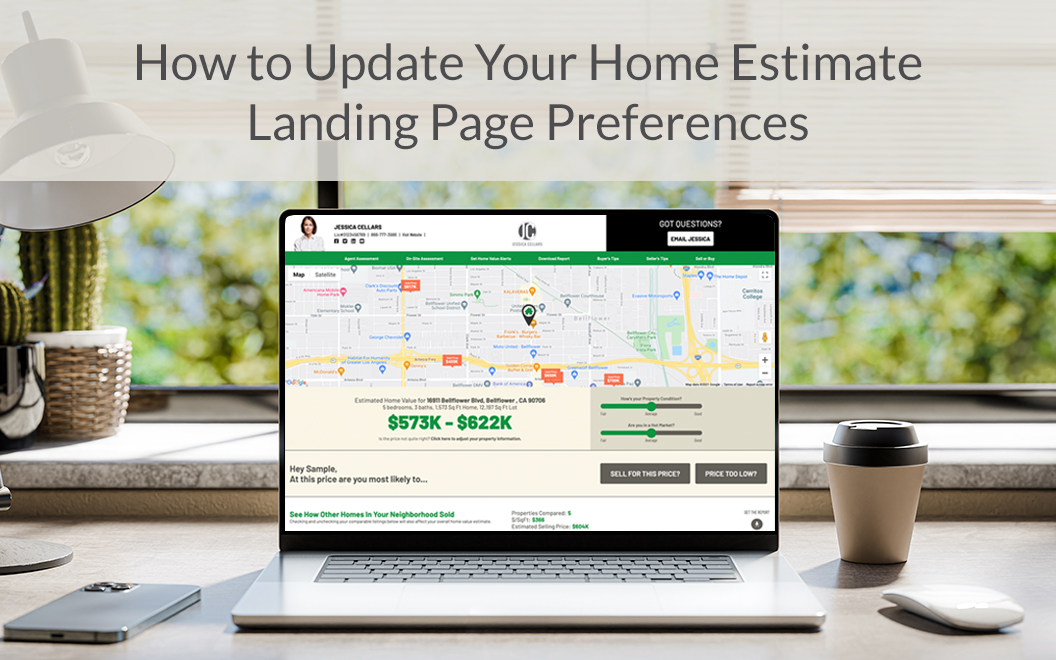
Make sure your landing page preferences are set before you send out your Home Estimate postcards. Here’s how to update your preferences.

<!--<p> </p>-->

1. Visit Your Account
Go to the “Account” tab in the header of your account, then click on “Home Estimate Preferences.”

2. Personal Information
Here’s where to update your personal information. Note: if you update your personal information, it will also automatically update the Account Information shown on your Home Estimate landing page.

Home Estimate Preferences
3. Email and Phone Data Capture
Choose whether you’d like to capture additional information from leads before they can view their home estimate. 
4. Sold & Active Listings
Select whether or not you wish to display the sold date or active listings on your Home Estimate page.
5. Footer Disclaimer
Including a disclaimer is optional. If you are co-branding your Home Estimate page, double-check to see if you are required to add a disclaimer. 
6. Footer Logos
If you are required to add a state or nationally issued real estate, broker or lender related logo, please do so on the right. Five standard logo options are available: Equal Housing Opportunity, Equal Housing Lender, NMLS, FDIC, and REALTOR®. You can also upload your own logo.
Lastly, make sure you save your changes! Click the “Save Settings” button at the top or bottom of the page. Now you’re ready to start capturing leads with your Home Estimate landing page.
Need help?
Our Customer service team is ready to come to the rescue:
Call us: +(866) 777-3986
Monday through Friday 8:00 AM - 5 PM PST
Email: CS@Corefact.com
Related topics

How Does the Home Estimate Work?
Corefact offers a free home estimate that can be used on any of our postcards. To view their home estimates, homeowners scan a QR code.
Read More
How to Fine-Tune the Corefact Home Estimate Parameters
Here's how to edit the home estimate comparable sales information, including price ranges, time spans, radius, and home value estimates.
Read More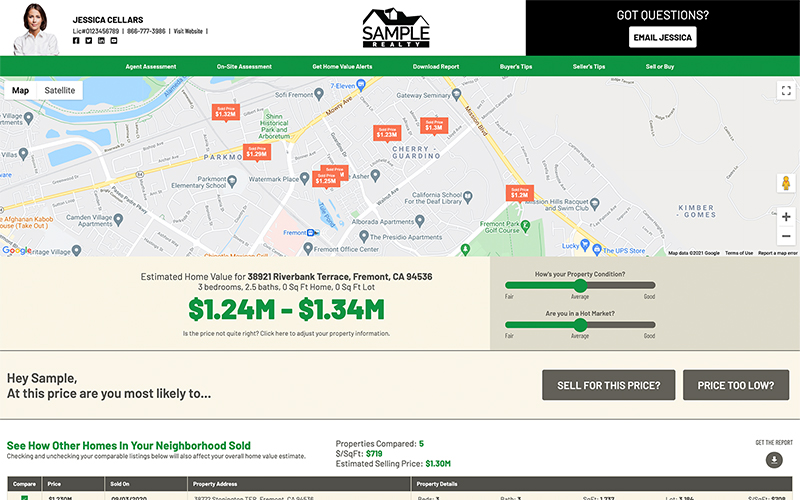
Generate More Leads with the Home Estimate Landing Page
Here are six examples of different ways you can leverage this free technology provided to you with your print orders.
Read More