
Why Are My Postcard Photos Blurry?

For high-quality print products, make sure that you upload photos with at least 300 Dots Per Inch (DPI).
Does your photo have less than 300 DPI? The easiest fix is making sure you upload the original, full-sized, high-resolution photo. Below is an overview of the pixel dimension needed for high-resolution output. For best results, check the photo size in the left column and make sure the pixel dimension matches.
3x5”
4x6”
5x7”
8x10”
9x12”
11x14”
12x17”
13X19”
900 x 1500 Pixels
1200 x 1800 Pixels
1500 x 2100 Pixels
2400 x 3000 Pixels
2700 x 3600 Pixels
3300 x 4200 Pixels
3600 x 5100 Pixels
3900 x 5700 Pixels
Need help?
Our Customer service team is ready to come to the rescue:
Call us: +(866) 777-3986
Monday through Friday 8:00 AM - 5 PM PST
Email: CS@Corefact.com
Related topics
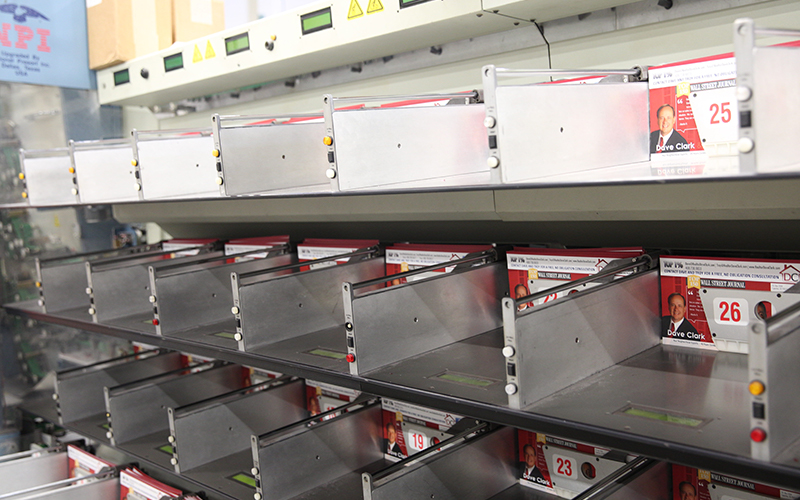
What Are The Delivery Options?
Corefact offers four delivery options. Choose which option works best for you.
Read More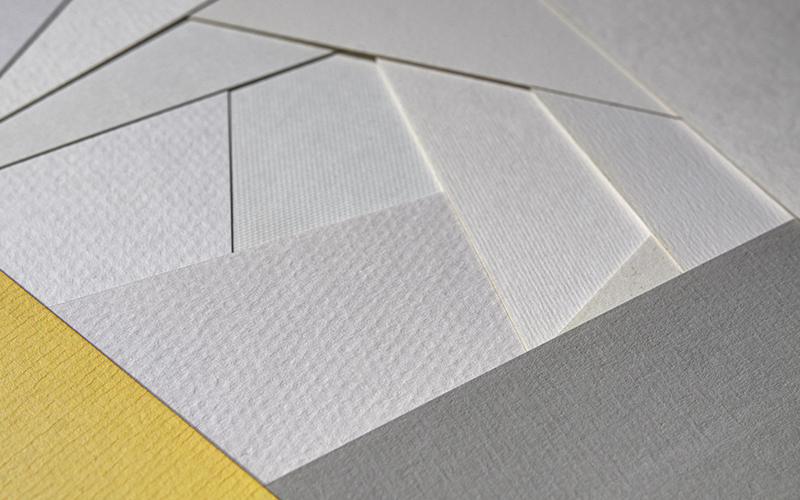
What Paper Stock Should I Use?
Here are the paperweight options for our different products.
Read More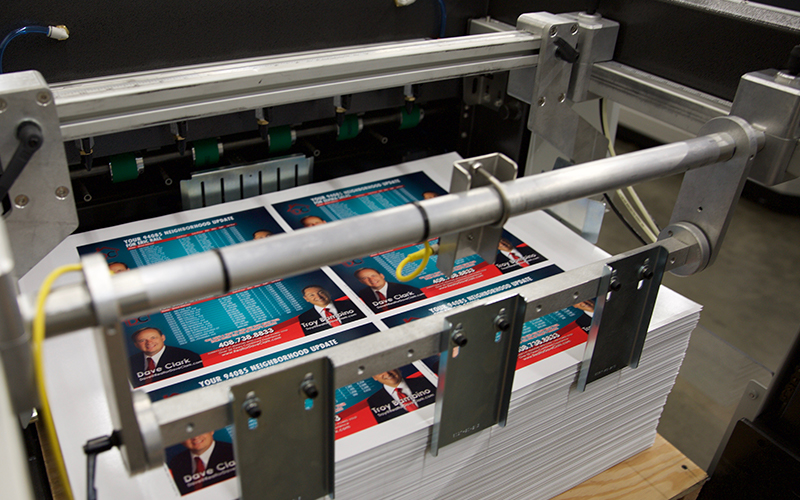
Does Corefact Offer UV Coating?
Corefact offers UV coating on many of our products at no extra cost. It makes your mailers pop, and offers protection.
Read More