
How to Login and View Your Client’s Home Estimate Landing Pages
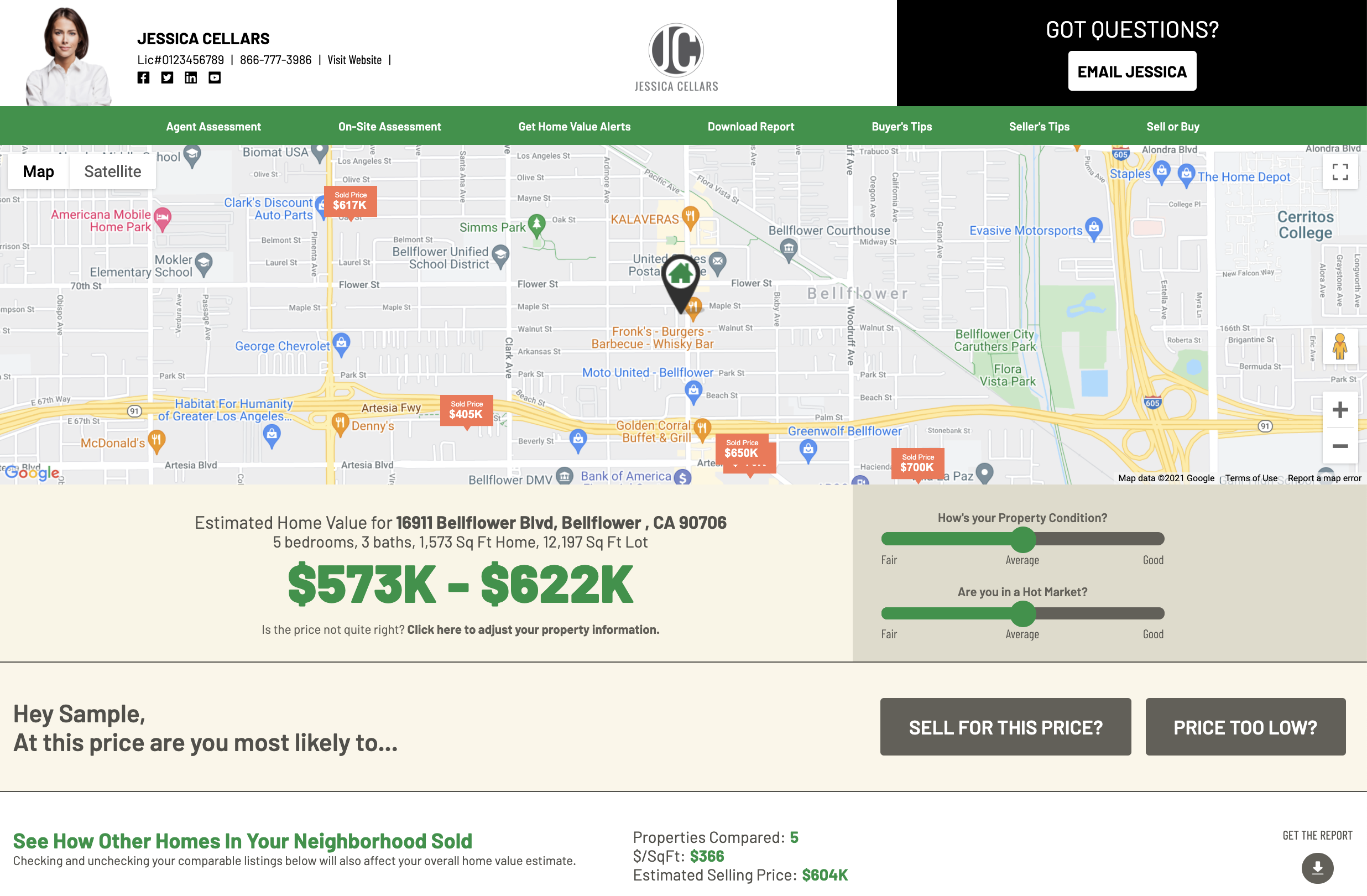
Now, previewing homeowners’ RealEstateHomePrice.com websites is easier than ever. Make sure the look and feel of your single property website matches your brand and standards. Show your farm you’re the best agent to work with.
Want to view your client’s RealEstateHomePrice.com page? Follow these three steps.
1. Login to your Corefact account. Select "Contacts"
2. Choose your desired contact, then click on the gear icon and choose "Impersonate".
3. This will take you to the client's Home Estimate page.

Login and review your prospects’ Home Estimate pages today!
Need help?
Our Customer service team is ready to come to the rescue:
Call us: +(866) 777-3986
Monday through Friday 8:00 AM - 5 PM PST
Email: CS@Corefact.com
Related topics

How Does the Home Estimate Work?
Corefact offers a free home estimate that can be used on any of our postcards. To view their home estimates, homeowners scan a QR code.
Read More